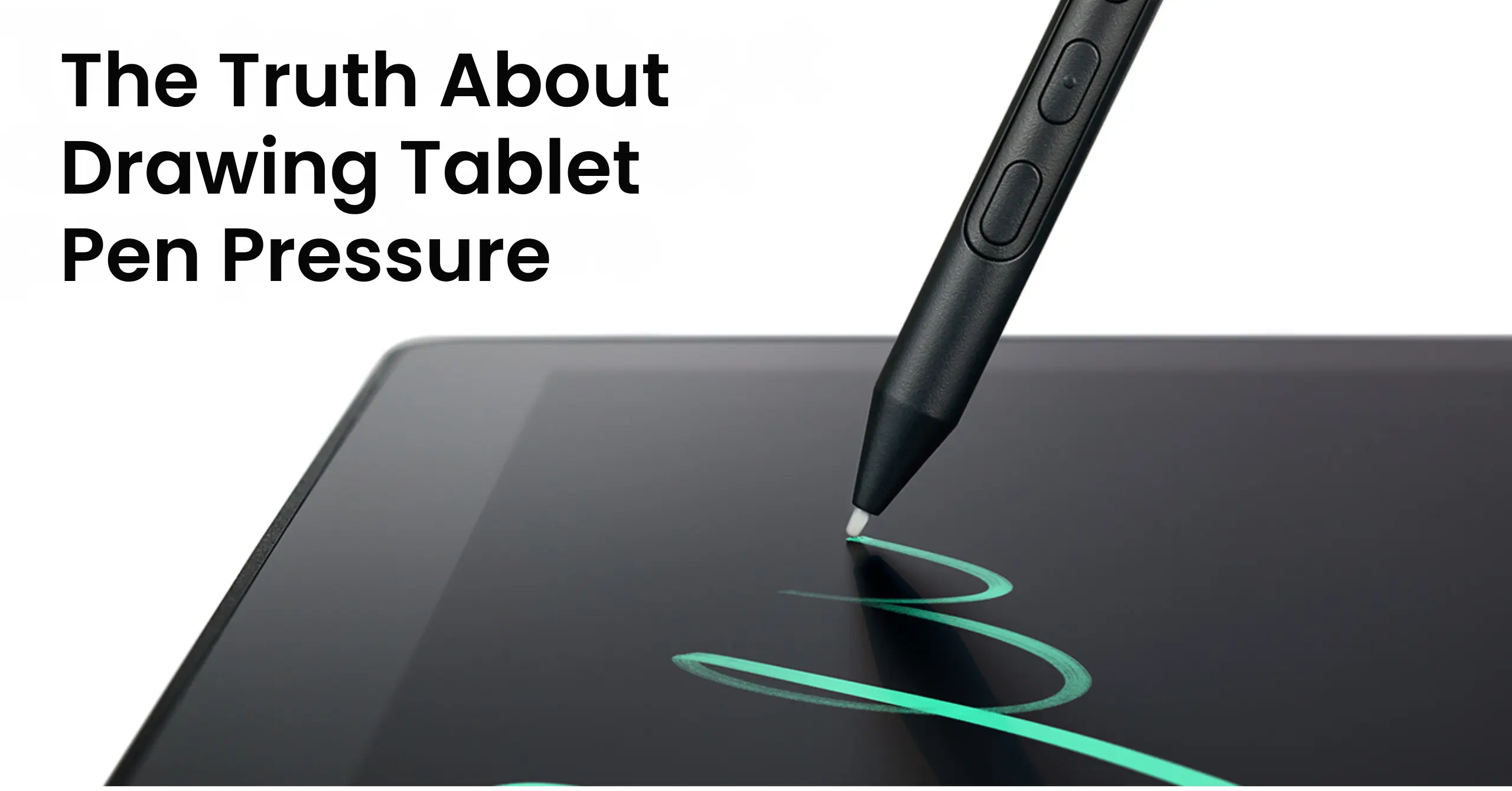
When you’re planning to buy a drawing tablet, whether it’s from Wacom or another brand, you’ll often see a feature called pressure sensitivity. But what does pressure sensitivity actually mean, and how important is it? Can a regular artist really notice the difference between 2,048 and 8,192 levels of sensitivity, or is that something only professionals can appreciate? And is it truly a valuable feature, or just a marketing term?
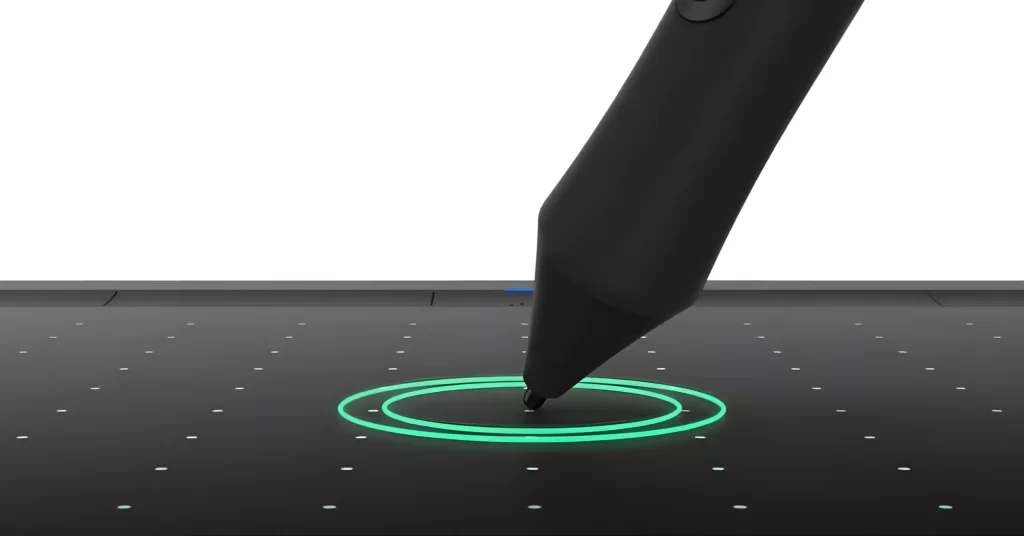
What is pressure sensitivity?
Wacom focuses heavily on artists, aiming to make digital drawing feel as close to traditional art as possible. Think about using a paint brush. If you lightly glide it across the canvas, you get a soft, thin stroke. If you press harder, you create a thicker, darker mark with more paint. The pressure you apply with a brush, pen, or pencil directly affects the size, shape, and opacity of your strokes. A digital stylus works in a similar way. Pressure sensitivity allows it to replicate that natural variation. When you press your stylus more firmly against a drawing tablet, the line becomes darker and thicker. When you apply less pressure, the stroke appears lighter and thinner. How this behaves in real use depends on several factors, including the software, the selected digital brush, and your device and driver settings.That brings up an important question: what do “levels” of pressure sensitivity mean, and do they really make a difference?
What do 2,048, 4,096, or 8,192 levels of pressure sensitivity mean?
A drawing tablet and stylus can detect how hard you are pressing. Each device works within a defined range:
- 0% means no pressure
- 100% means maximum pressure
The number of pressure levels refers to how many distinct steps the device can recognize between 0% and 100%. The higher the number of levels, the more precisely the tablet can detect subtle differences in pressure. This means even very small changes in how hard you press can be captured and translated into your digital strokes.

Do pressure levels really matter?
Yes, but mostly for professionals. Most people cannot feel a clear difference between 4,096 and 8,192 levels. However, experienced artists who work on fine details or use very light strokes may benefit from higher sensitivity. Beyond 8,000 levels, the difference becomes very small for almost everyone.
What other factors affect pen pressure?
Canvas size and screen resolution matter a lot. On a small canvas with low resolution, thousands of pressure levels make little difference because there are not enough pixels to show that detail. On large, high-resolution displays, professionals can better use higher pressure levels for more precise control. Still, beyond 8,000 levels, improvements are minimal and already very close to the limits of what most people can notice.
Other important factors
Pressure levels are not everything. Pen and tablet hardware, along with software drivers, also play a big role. The internal chip affects accuracy, smooth pressure transitions, and report rate. If the hardware is not responsive enough, higher pressure levels will not make a real difference. Activation force is also important. This is how much pressure is needed before the pen starts drawing. The lower it is, the more natural the experience feels. Finally, software settings matter. Artists can adjust pressure curves and sensitivity to match their drawing style, making digital tools more flexible than traditional ones.
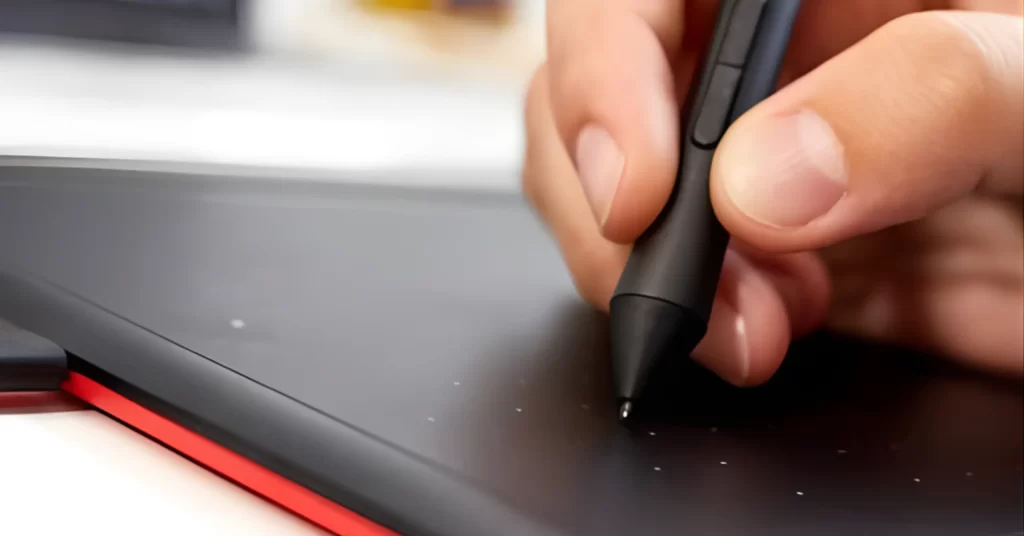
Final Answer: how many levels of pressure sensitivity do I really need?
If you’re a beginner, any Wacom pen and tablet will have plenty of pressure sensitivity to create your best work. To get started, the Wacom CTL-472 is a great, affordable option. It features 2,048 levels of pressure sensitivity and comes with a responsive pen that provides smooth, natural strokes. You can control line thickness and shading simply by adjusting how hard you press, which makes it easy to learn and practice digital drawing. If you’re an art student, hobbyist, freelancer, or professional artist, then the Wacom Intuos Pro is the ideal choice. It offers advanced features, higher precision, and up to 8,192 levels of pressure sensitivity. This gives you excellent control over every stroke, from very light sketch lines to deep shading, making it perfect for detailed and professional-level work The choice is up to you, but both tablets provide a high-quality digital drawing experience with pressure sensitivity that adapts to your skill level and creative needs.