| Category | Specification |
|---|---|
| Product Name | ScanSnap iX2500 (White / Black) |
| Scanner Type | ADF (Automatic Document Feeder) / Manual Feeder |
| Duplex Scanning | Yes |
| Scanning Color Modes | Color, Grayscale, Monochrome, Automatic (Color/Grayscale/Monochrome detection) |
| Image Sensor | CIS × 2 (Front × 1, Back × 1) |
| Light Source | 3 Color LED (Red / Green / Blue) |
| Optical Resolution | 600 dpi |
Ricoh ScanSnap iX2500January 9, 2026
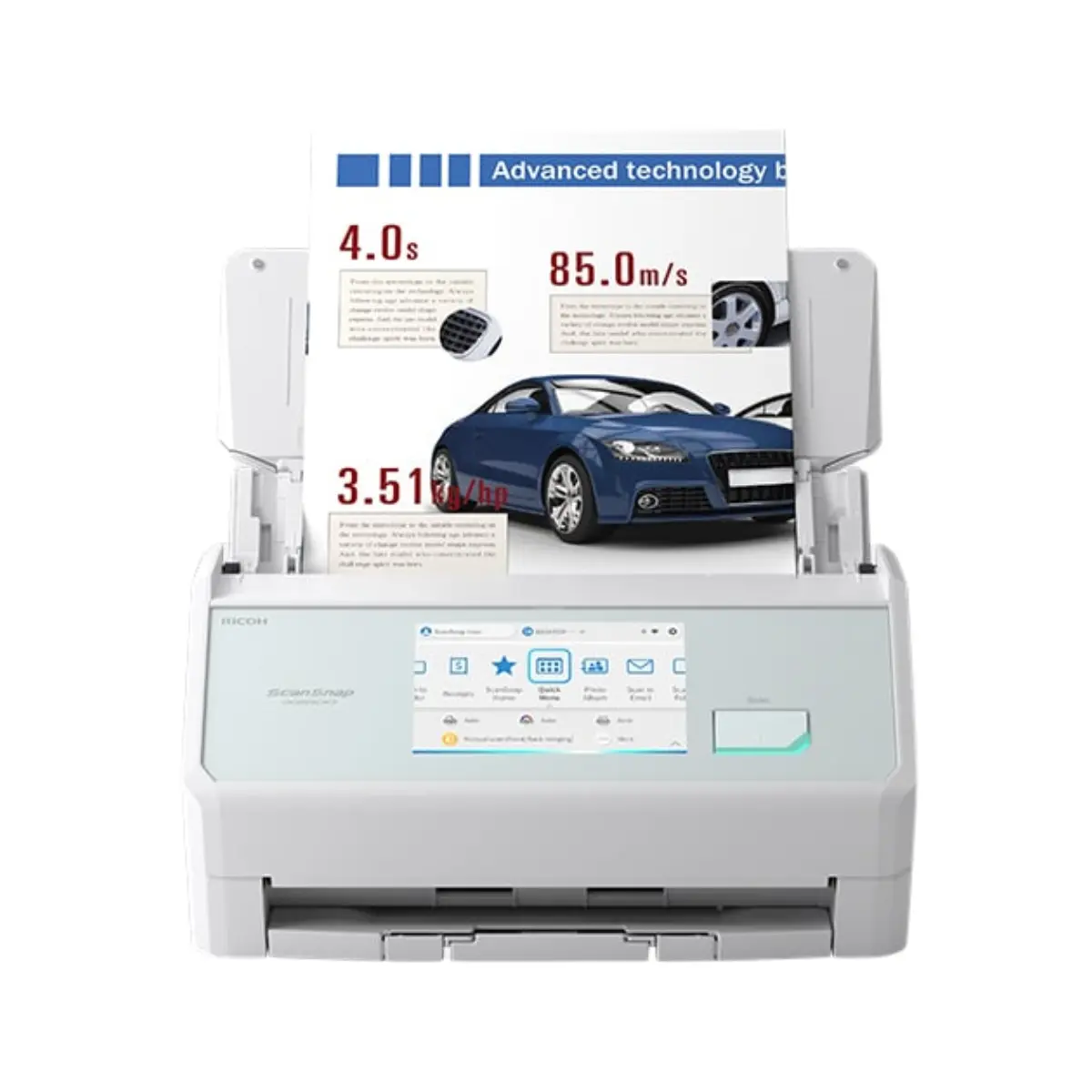
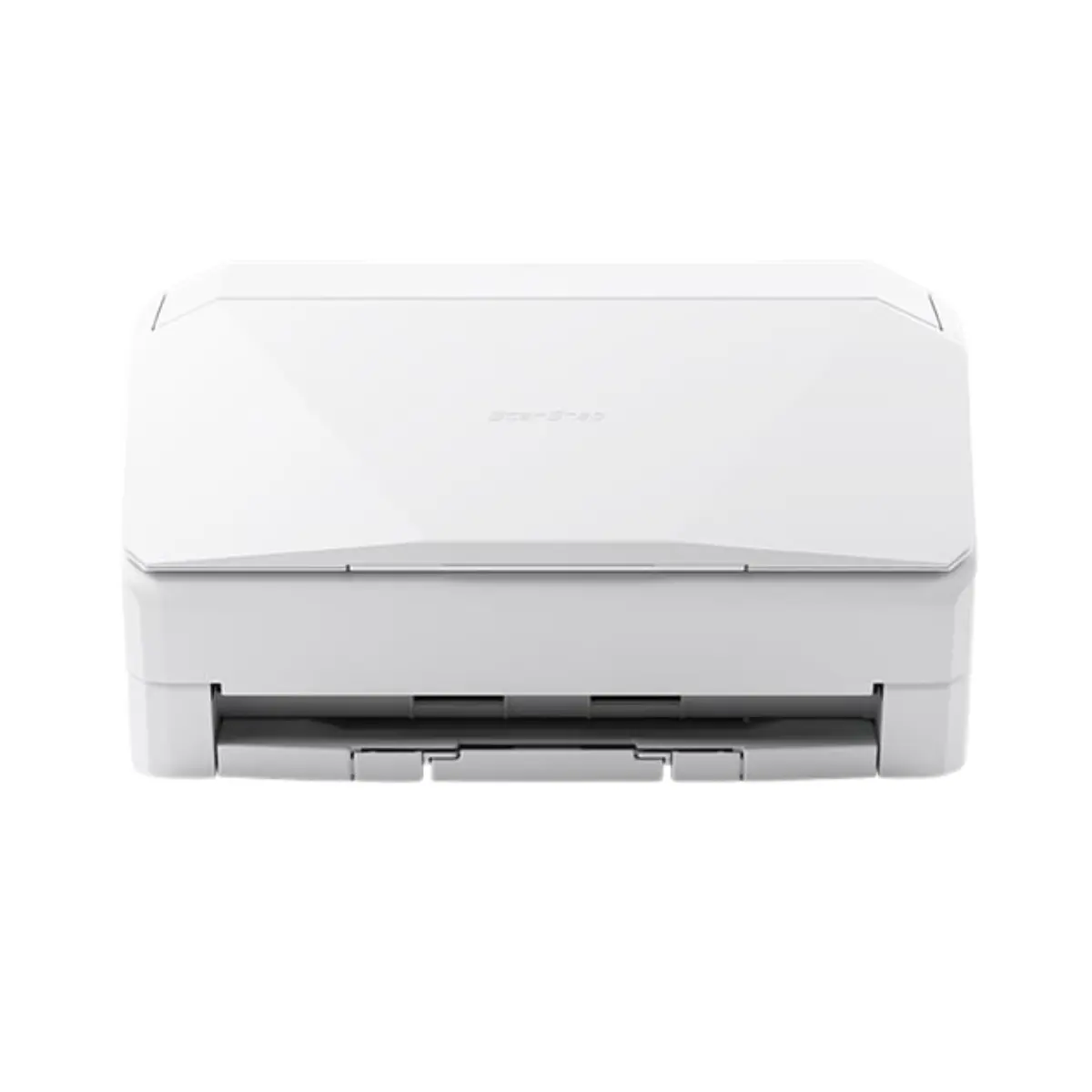
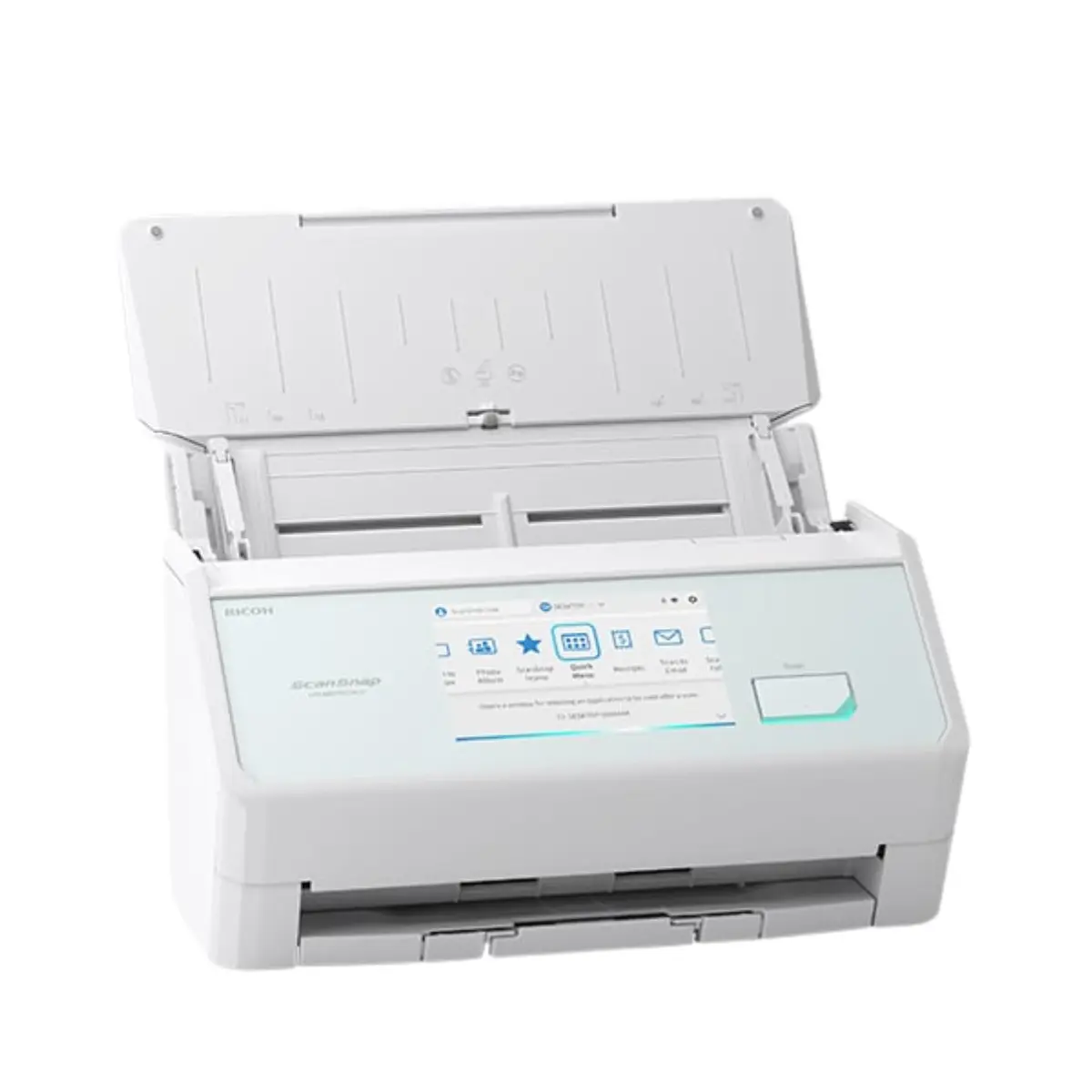
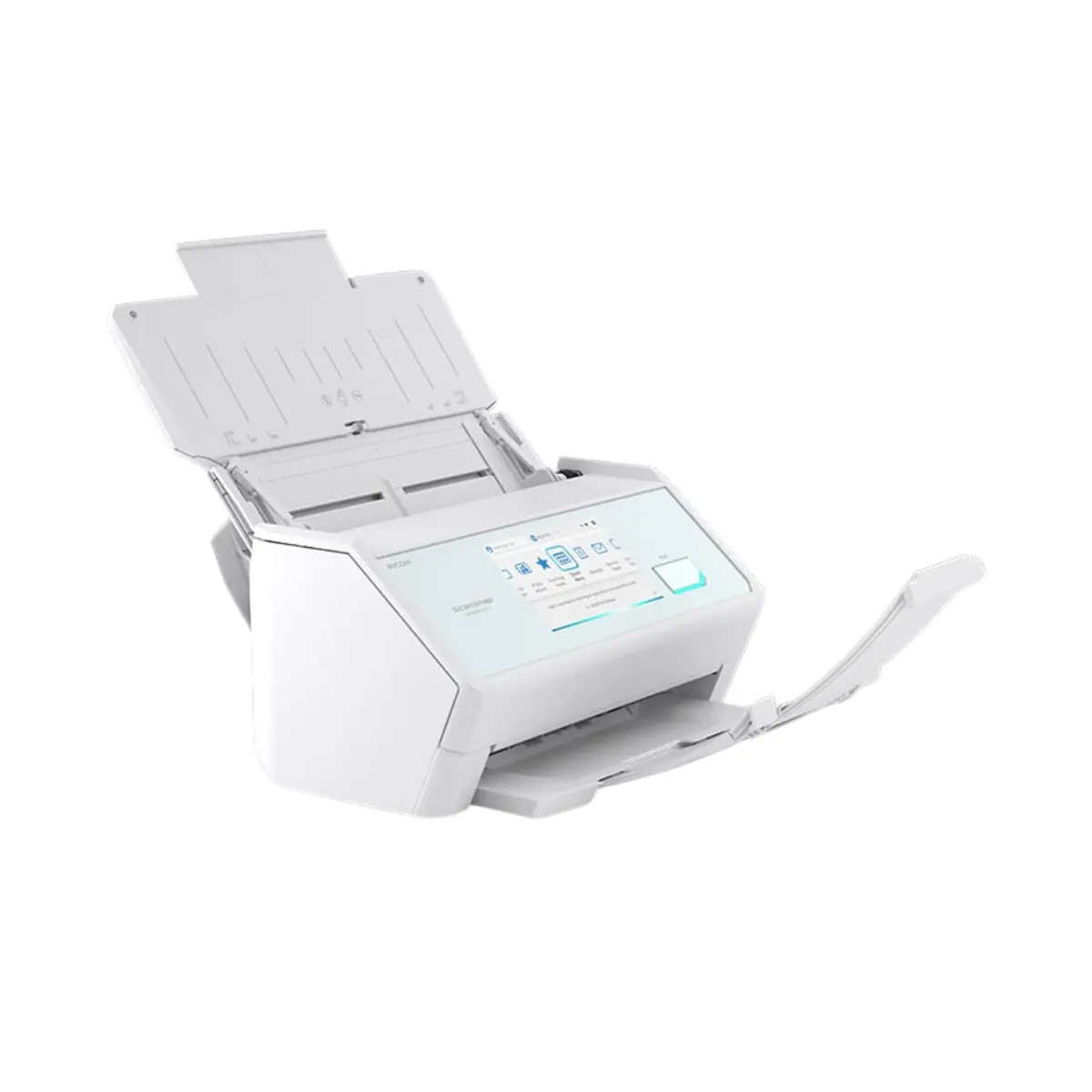
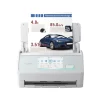
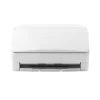
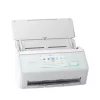
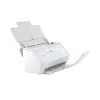
Ricoh ScanSnap iX2500
- Fast, double-sided scans up to 45 pages per minute
- 100-page automatic document feeder (ADF)
- Scan envelopes, plastic cards, folded A3 documents, and documents with sticky notes with Manual Feed mode
- Equipped with USB and Wi-Fi connectivity
- Instantly creates a variety of files, including searchable PDFs, JPEGs and editable Microsoft® Word, Excel and PowerPoint® files
- Scans 4″x6″ photos in under a second with intelligent features, such as auto-facial orientation and red-eye reduction

Description
Digitize, share, and access scanned data instantly with our most connected scanner.
▮Use any iX2500 as your personal iX2500
The iX2500 is the perfect companion in this era of diverse and flexible work styles. Just connect the ScanSnap iX2500 to your device to apply a profile with your scan settings and addresses to the scanner. Regardless of whether you are at home, the office, or a rental coworking space, you can save documents to your usual cloud service and run scans with your preferred settings. Operate from the large 5-inch touch screen, even without a PC or smartphone The scanner comes with a large 5-inch capacitive screen with improved response, enabling intuitive operation of the scanner. You can view scan profiles that were created on your PC or smartphone as visual icons on the touch screen. Once a scan profile has been made on a PC or smartphone and imported to the scanner, you only need to operate the touch screen to save data directly to network-attached storage (NAS)*1 or a cloud service, or to send data via email. In addition, you can easily switch users on the touch screen to display your settings and icons. This makes it easy to share the scanner between colleagues and family members. Quicker and more secure way to scan in public*2 Simply bring your smartphone close to the ScanSnap iX2500 to immediately apply your settings to the scanner. This feature temporarily applies your profile to the scanner, en- abling you to save not only to your smartphone, but to your preferred cloud service as well. Convenient but secure short-term use in a shared environment is realized.
▮ Comfortable scanning with ultra high speed performance and large capacity
High performance as a flagship model The iX2500 thrives at 45 ppm and can hold up to 100 A4 sheets at a time. Even when the Receipt Guide is installed, 50 A4 sheets can be loaded, making it easy to scan large volumes of documents.
Stable paper feeding technology The iX2500 is equipped with the brake roller feature and the ultrasonic multi-feed sensor. These features ensure smooth and stable paper feeding and reliable multi-feed detection. Additionally, the scanner’s skew detection function stops feed operation to prevent dam- age if paper is fed at an angle, thereby protecting your important documents. Wi-Fi connectivity for both smartphones and PCs The ScanSnap iX2500 supports Wi-Fi (2.4 GHz and 5 GHz bands) and enables wireless saving to smart devices, network-attached storage (NAS)*1, and the cloud without needing a PC. With Wi-Fi 6 (IEEE 802.11ax) compatibility, the scanner ensures robust and stable communication, even in environments with radio interference and congestion. Additionally, it supports the WPA3 security
protocol and TLS 1.3, safeguarding your valuable information.
▮ The all-in-one solution for document management
ScanSnap Home*3 is a comprehensive document management software specially designed for ScanSnap scanners. Easily manage, edit, and utilize scans with just one application. Both a PC version and mobile version are available. Accommodates any scanning environment
• Create profile icons to preset save-to destinations, cloud services, color settings, and much more.
• Save as PDF, searchable PDF, and JPEG for versatile utilization of scanned data.
• For users of ScanSnap Home (for PC),
the Quick Menu enables you to select saving and integration destinations after scanning, which raises productivity. Accesses to the same data regardless of device and time with Data Sync*4 The Data Sync feature allows you to synchronize scanned data between the PC and mobile versions of ScanSnap Home. This enables access to the same data whether you scan using a PC or a smartphone. You can utilize scanned data across various locations and devices. For example, check scans done at the office or at home while on the go via your smartphone, or manage the same data on both office and home PCs*5.

Reviews
There are no reviews yet.